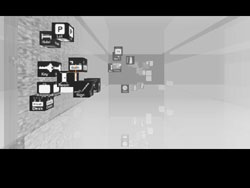
Instructions
Polyglot is designed to be played with a touch surface (e.g. Tablet PC, multi-touch surface), but it can be played with a mouse and keyboard. The game is very simple:
- Listen for the word (by clicking the bottom of the screen)
- Explore the tiles to find a match (by left clicking or by holding right click and mousing)
- Select the matching tile (right click or pen tap)
If the correct word is matched, then the player recieves a puzzle piece which helps reveal an image
If the incorrect word is chosen, an additional cubic tile is added to the scene. Subsequent wrong choices result in penalty stalls - the game flow is halted for a few seconds.
When you are done, select the upper right-hand corner of the screen or hit [ESC] to view your score.
Game Tips:
- Focus on a single room at a time, to gain specific vocubulary
- Play the game in short sessions of 10 or less minutes (play it on your laptop while you wait for your next flight)
- Start with the vocubulary that most interests you (hotels, numbers, etc)
Controls:
Stylus and Touch Controls
- Single Tap: Select
- Movement: Screen Arrow Control
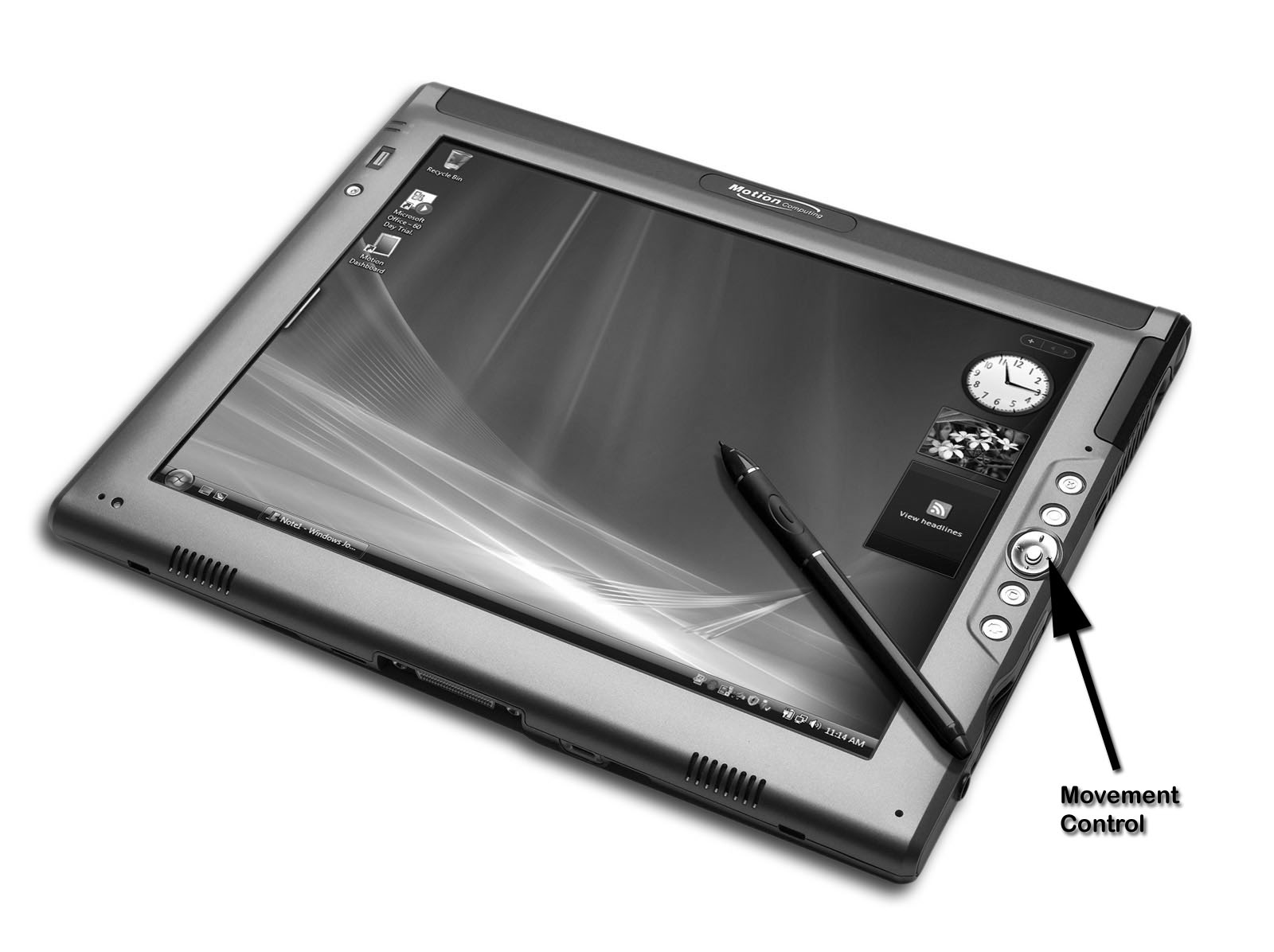
Keyboard and Mouse Control
- [M] - toggle music on/off
- [W] or [Up ARROW]: Move forward
[A] or [Left ARROW]: Move left
[S] or [Down ARROW]: Move backward
[D] or [Right ARROW]: Move right - [space] or [return] to hear the spoken word
- [ESC]: Quit game
- Left Click: Select Cube
- Right Click: Check Cube*
- Left Click and Hold: Check multiple cubes*
![Keyboard layout for Polyglot [Cubed]](images/keyboard.jpg)
*Checking tiles will only work for the first 3 tiles per round unless the player is in practice mode.